Which AI is in use, and what it can reach.
Reach is a record of the AI tools your organisation uses and what each can reach, with the method and date of each result. Available today: the free test. By invitation: the portal. In development: the version for your own server.
Who runs it: someone in IT or security who can sign in to each AI tool. Who uses the record: whoever answers the board, the auditor or the client. Until the test's questions are validated, treat its results as a guide for your own team, not yet as evidence for an auditor.
Available today
- The free Reach Test, in your browser: you run it yourself, account by account. It sends nothing to Sys-Ki, and the record it saves is a file on your device.
- By invitation, free: the portal, hosted by Sys-Ki. A free account holds the register (your list of AI tools, up to 10) and up to 3 tripwires (decoys that raise an alert when touched), but no documents. Invitations are few while Reach is in development; the privacy notice says what the portal keeps. Ask for an invitation
- The published rules, each with its reason, its source and its version.
How do I know if I need this?
You probably need Reach if
- You use more than one AI tool.
- More people use them than one admin can vouch for.
- Someone outside, such as a board, an auditor, an insurer or a client, asks for proof that stays true next month.
You probably do not if
- One assistant, a handful of people, nobody outside asking for proof.
- Open the assistant's connector settings (the links that let it read a mailbox, a drive or a calendar) and read the list. That is enough.
- Everything on one vendor, on that vendor's top licence tier.
- That vendor's own admin console and audit answer the question better for its tools.
Visibility
Which AI is in use, and on what terms?
The register, in the portal (by invitation), lists the assistants, connectors and agents your team records. Each entry has a decision (approved, conditional, not approved or not assessed) with its conditions, a date to review it, and whether what it says was declared or tested.
Five more things each entry records
- What it is, and which product.
- Whose login it runs on: personal, business, admin-managed or shared.
- What it is used for, and what data it touches in your organisation.
- What it says it can reach, and what it can do: read only, read and write, or send and delete.
- Who looks after it, as a role rather than a name.
The register does not find tools by itself. The version in development is designed to find them on staff computers with a read-only agent that reports to your own server; nothing from it goes to the portal. Approved needs a Reach Test result from the last 90 days; until validation, that result is a guide, not evidence.
Access
What can that AI reach? Three measured signals and one declared input.
Signal 1: reachFree test
Marker probe
Plant small marker notes with a unique code only in places you own or manage: your own mailbox, your own drive, or a team folder you look after. If other people can open the place, tell them first that a test note will appear there and will be removed. Ask each assistant one fixed question from each account. If the code comes back, that assistant can reach that place from that account.
Results: found, not found, or not yet indexed.
Signal 2: obedienceFree test
Embedded instruction test
A harmless note asks an assistant to include a phrase in its answer. If the phrase appears, the assistant followed an instruction hidden in a document. The note asks for nothing else.
Results: obeyed, ignored, or flagged. Ignored does not mean safe. It means this note was not followed.
Signal 3: tripwiresPortal, by invitation
Decoys nobody has a reason to touch
A web link, a fake API key, a fake MCP server (a connection an AI tool can use) and other decoys. Any touch raises an alert with the time, the kind of tripwire and what touched it.
Results: an alert, or nothing. Nothing is not proof of safety, so the alert page shows when each tripwire was last checked.
Declared input, not measuredFree test
Declared permissions
What the admin screens say, compared with what the tests measured. A gap is a finding: the policy says no, and the test says yes.
Example record: one assistant, one account
This is how a record will look once the question wordings are validated; until then RCH-002 and INJ-001 make no finding. Each result names the rule that judged it, or No rule. A tripwire is a decoy nobody has a reason to touch; touching one raises an alert.
Ki, the site’s scripted guide, walks you through the test; it never signs in to your accounts or acts in them. The test itself sends nothing to Sys-Ki; a question you ask Ki does. What is sent
Tell your security team first.
A marker probe may look like an unusual request to whoever watches the logs. Name your marker files with the REACH-PROBE- prefix, and tell them before you run the test. With Microsoft 365 Copilot, copies of each prompt and reply stay in the user’s own mailbox under its retention settings; removing the notes does not delete them (Microsoft Learn, checked 12 November 2026).
What the test cannot see.
- Anything the assistant has not indexed yet. A miss is not a clean result.
- Shared and delegated mailboxes, archived mail and unindexed file types: we have not tested how far each index reaches.
- What happens at the vendor's end: hosting, logging and what it keeps.
- Admin settings you did not enter in the test.
- Whether a result still holds next month.
- Anything about your systems beyond the accounts you tested.
Screenshots
The version for your own server, in development.
In development. Not available.Reach is being built as software an organisation installs on its own server, with a read-only agent for staff machines. It is in development and not available.
Screenshots of its console with made-up demonstration data; every screen says so in a banner.
Evaluating Reach before release
The packages are not published. To evaluate Reach before release, ask us through the contact page. Builds are internal and have not yet been proven on real hardware: when one is ready, it is handed over with its checksums, and if it is not ready yet, you get a plain answer. Ask for an evaluation build
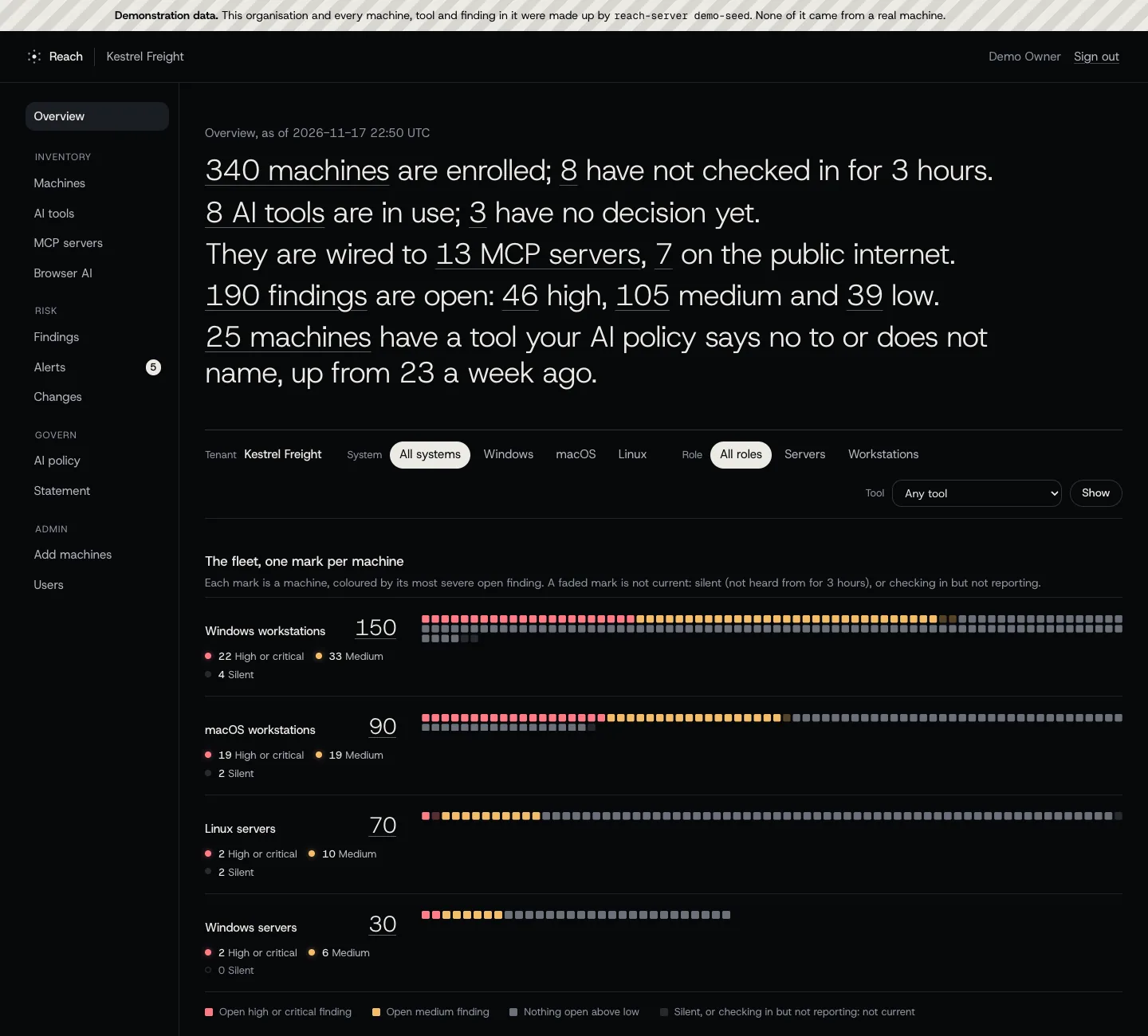
Night
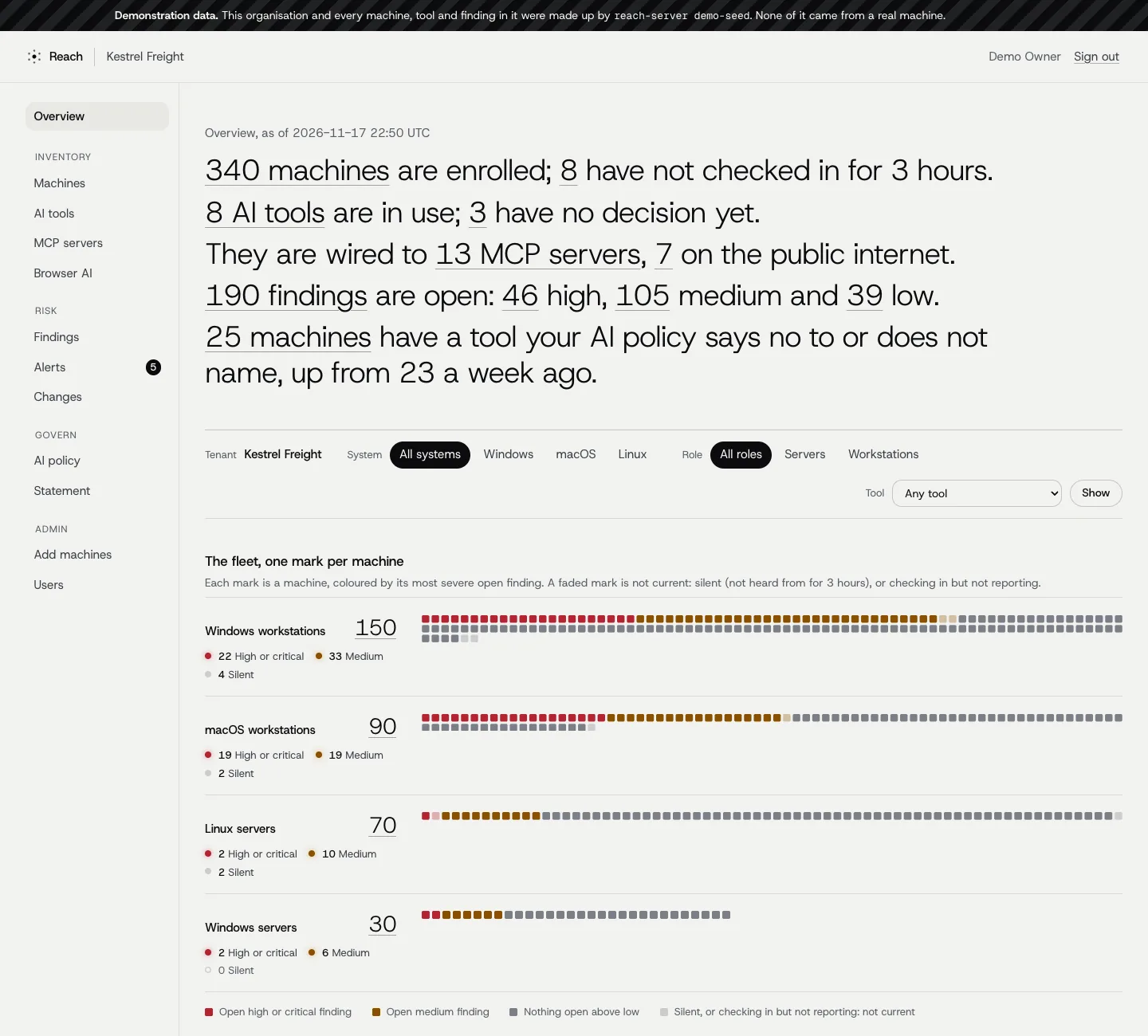
Day
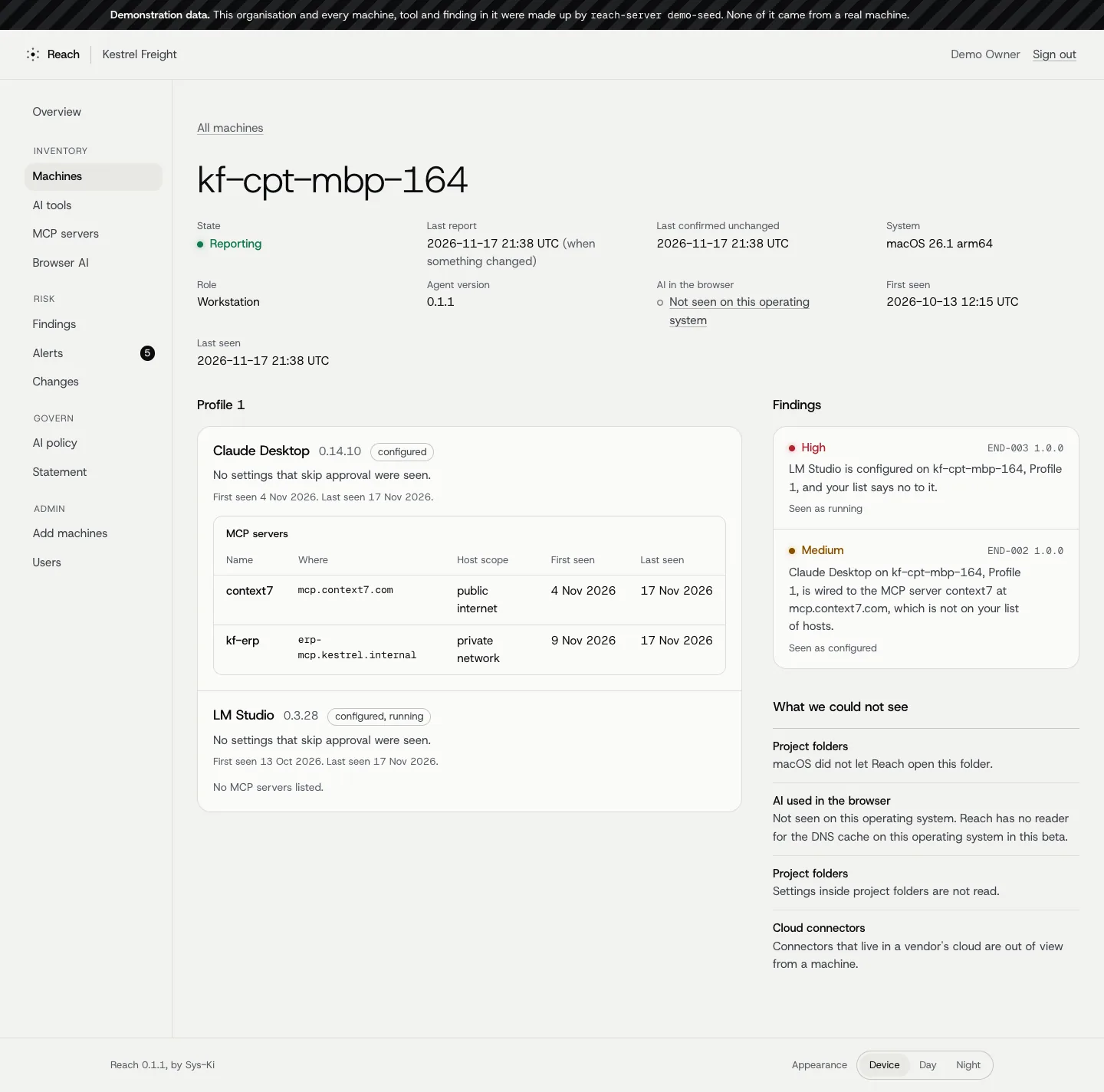
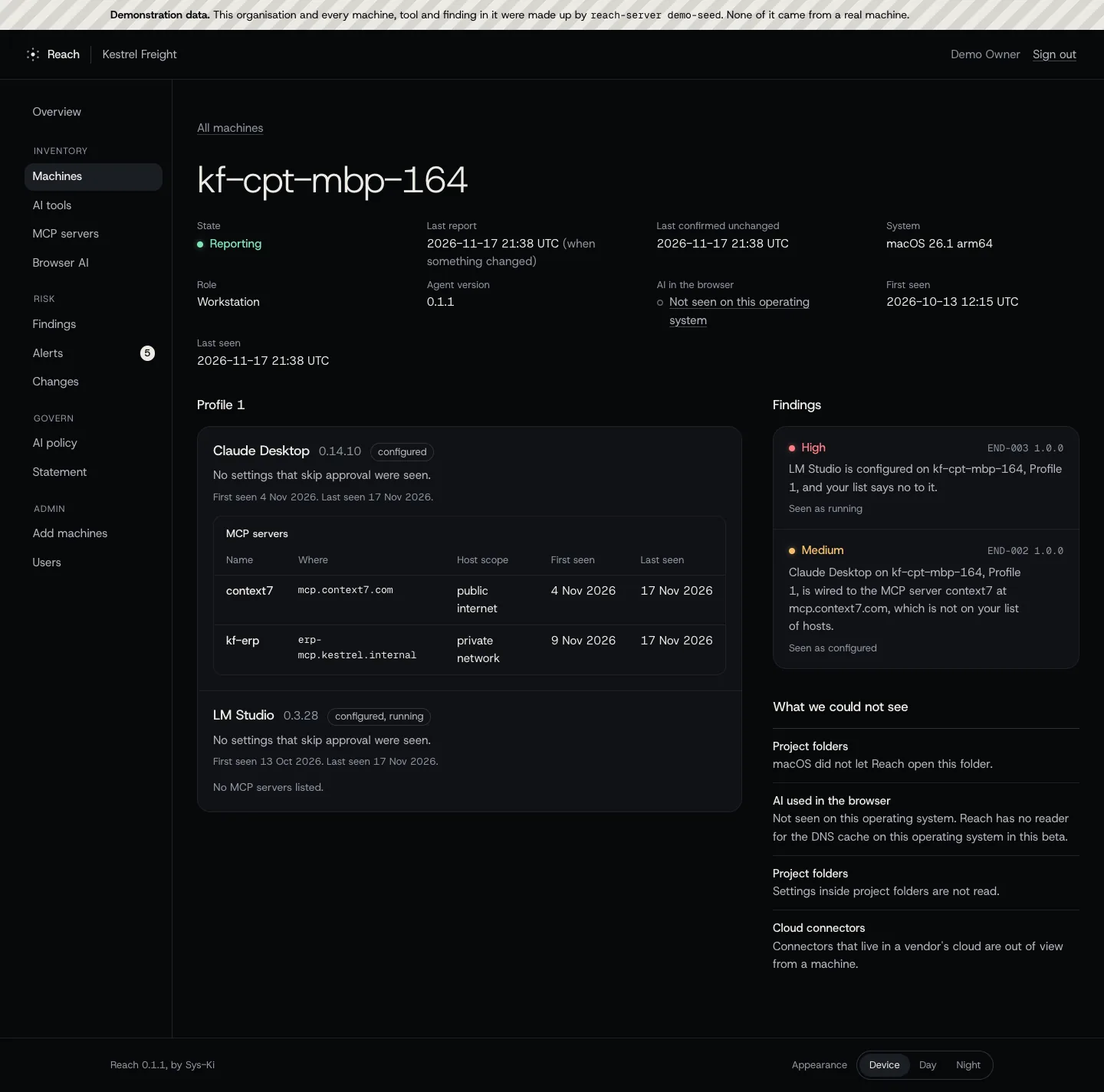


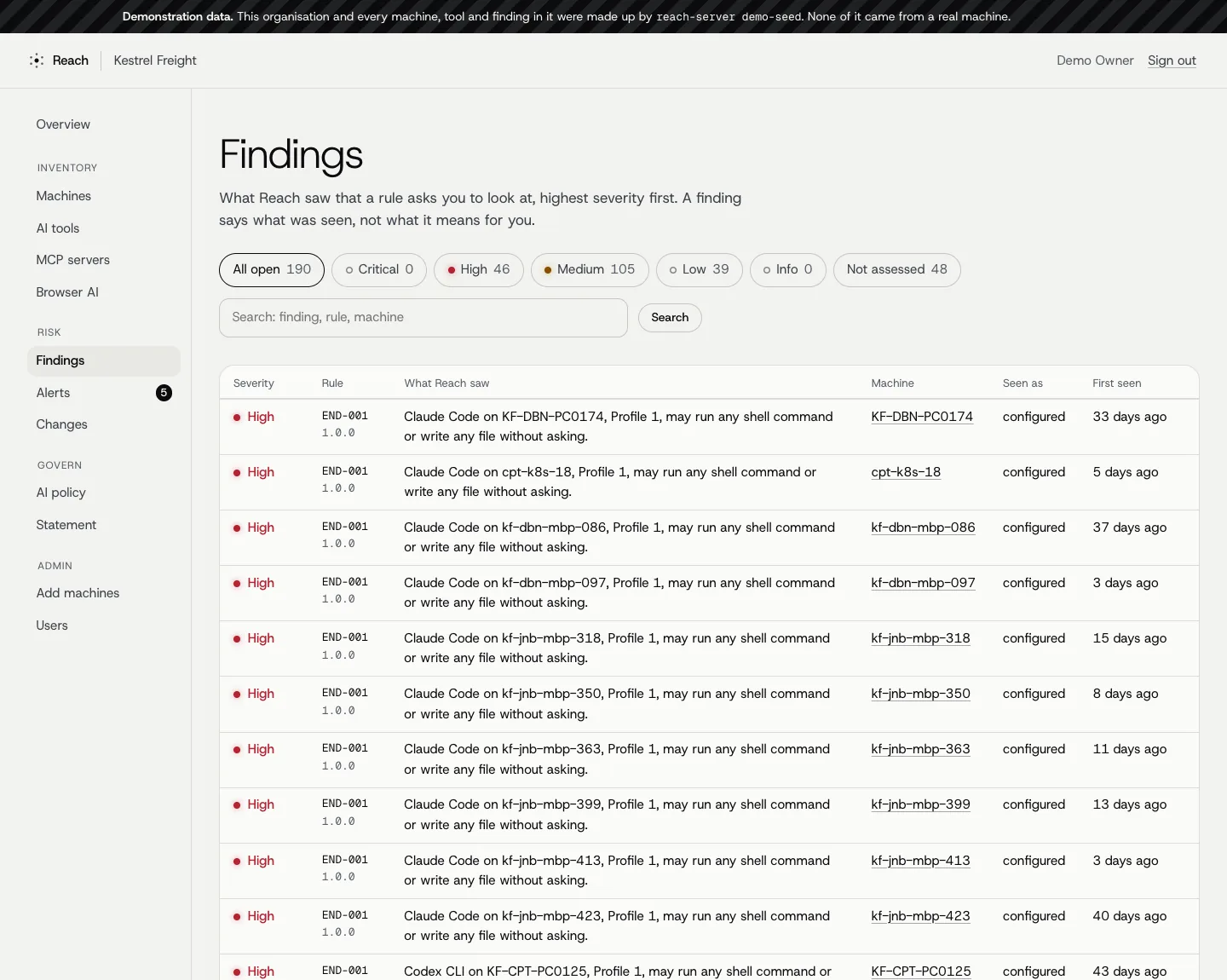
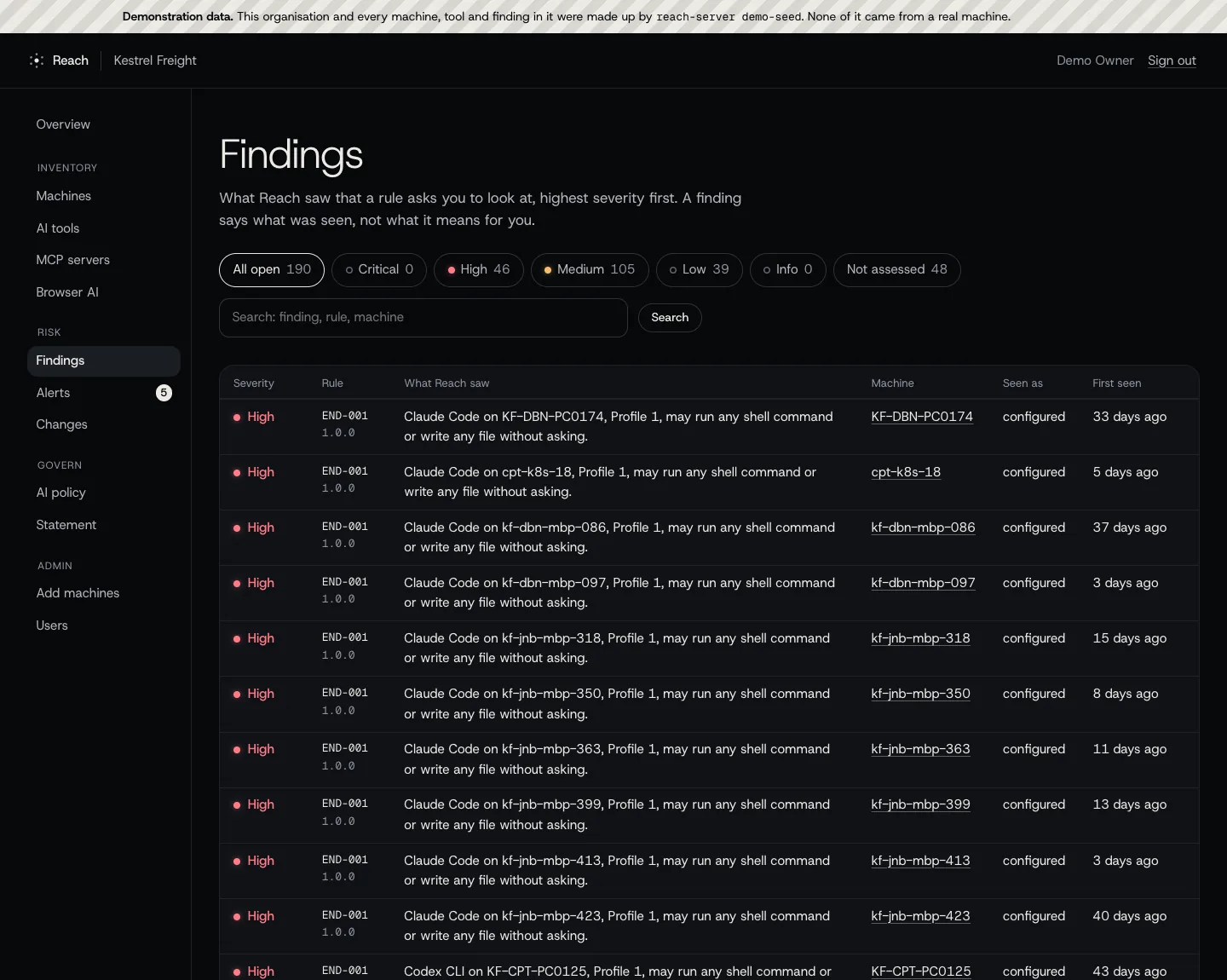
No Sys-Ki cloud is involved in this version: the server runs on the organisation's own machine. The portal is hosted by Sys-Ki.
What the agent is designed to read, and what is not built yet
- The agent is designed to read the configuration of AI tools (for example Claude Code, Claude Desktop and Cursor) and to keep metadata only: never prompts, chats, file contents, secrets or command lines.
- On Windows, Reach is designed to show, only when an organisation switches it on, which AI services are contacted from its machines. It does not read pages, prompts, history or anything typed. The Windows reader is built and tested on sample output; it has not yet been verified on a real Windows machine. Reading which AI apps hold grants to your mail is planned, not built.
Screenshots from the Reach repository at commit ffee5f6, 18 November 2026. This site will say when Reach is available, and not before.
What the agent in development reads, field by fieldInstall guides for the version in development (not available)
Why not just ask the assistant?
- It sees only the person signed in, not a colleague with wider rights.
- It cannot see the other tools: another assistant, a browser extension, a coding agent on a laptop.
- Its account of itself can be wrong, and is not evidence.
- It is one moment, with no record, and the auditor wants the date.
Reach measures from outside the tools and keeps each result with its date, method and account.
The words Reach uses.
- Register
- The list, kept in the portal, of the AI tools your organisation uses, with a decision on each.
- Tripwire
- A decoy nobody has a reason to touch, such as a fake key. Touching it raises an alert in the portal.
- Connector
- The link that lets an assistant read a mailbox, a drive or a calendar.
- Marker note
- A note with a unique code you plant in your own mail or files. If an assistant returns the code, it can reach that place.
- Rule
- A published check that judges a result, and says what to do.
- Finding
- A result a rule asks you to look at.
- The Reach agent
- In development: a small read-only program on each staff computer that reports its AI tools.
- Device
- One computer with the Reach agent installed; the planned prices count devices.
- Signed Reach Statement
- This server can issue a signed Reach Statement. The signature shows that this server's key signed these figures at this time by this server's clock; it does not show that the figures are true or the clock right, nor that the key belongs to the organisation named unless its fingerprint is compared with the one that organisation published. (In development; shown in our own test runs only.)